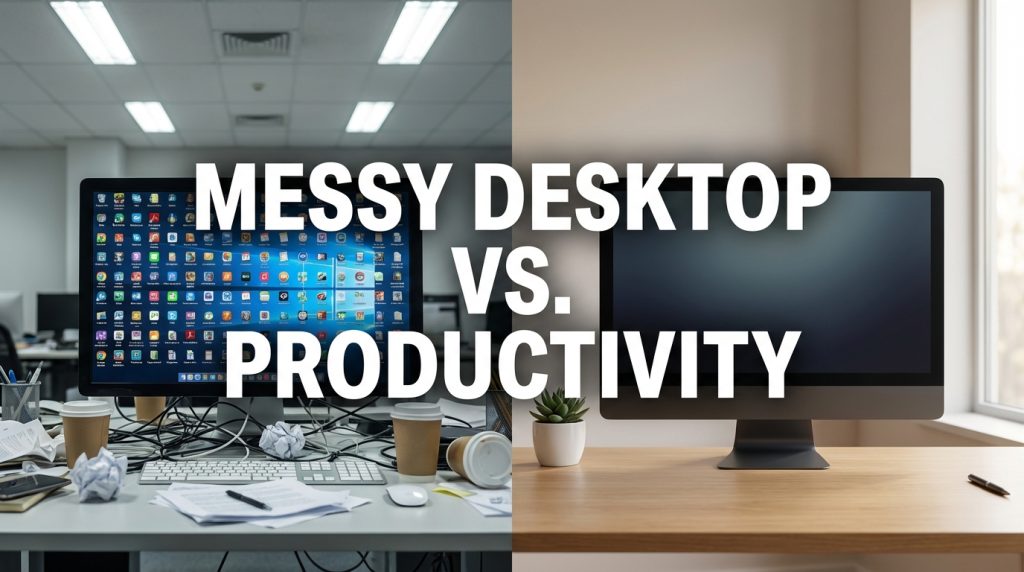

I have a confession. For years, my desktop had over 80 icons scattered across it. Files, folders, shortcuts, screenshots — a chaotic mosaic that would horrify any organizational consultant. And for a long time, I defended it. “I know where everything is,” I would say. “It is organized chaos.”
Then I timed myself. I tracked how long it took to find specific files on my cluttered desktop versus using search or a structured folder. The results were not in my favor. What I thought was intuitive navigation was actually 30 to 45 seconds of visual scanning per task — a pattern that repeated dozens of times a day.
But here is the more interesting question: does a messy desktop matter for everyone, or only for some types of workers? The answer, it turns out, depends entirely on what kind of work you do and how you retrieve information.
The Case Against Desktop Clutter
Research on visual processing and workspace design consistently points to one thing: visual clutter competes for your attention. Every icon on your desktop is a tiny visual stimulus your brain registers, even if you are not consciously looking at it.

In cognitive psychology, this is called “attentional capture.” Your brain cannot fully ignore visible objects — it processes them at a low level, which consumes a fraction of your available mental bandwidth. One icon is nothing. Eighty icons is a meaningful cognitive tax.
| Desktop State | Cognitive Effect | Best For |
| Clean (0-5 icons) | Lowest visual distraction, fastest focus recovery after interruptions | Deep work, writing, analysis, creative tasks |
| Moderate (6-20 icons) | Manageable if organized; slight ambient distraction | Mixed work — some deep focus, some quick-reference tasks |
| Cluttered (20+ icons) | Higher visual scanning time, increased decision fatigue | Rapid-switching roles where speed of access matters more than focus depth |
A study on workspace clutter (both physical and digital) found that people in visually cluttered environments showed reduced performance on tasks requiring sustained focus, reported higher frustration, and demonstrated greater mental fatigue at the end of the workday.
The Case For a Messy Desktop (Yes, There Is One)
Not every job requires deep focus. If you work in a role that involves rapid task-switching — answering questions, pulling up references quickly, managing multiple ongoing threads — having shortcuts visible on your desktop can reduce the time to access frequently used items. In this context, a structured mess is not laziness; it is optimization for speed over depth.
The key word is “structured.” There is a difference between a desktop covered with 80 random files and a desktop with 25 shortcuts arranged in logical clusters. The first one is chaos. The second one is a visual dashboard.
What Your Desktop Setup Reveals About Your Work Style

The Hoarder
If your desktop has files dating back two or more years, you are not using your desktop as a workspace — you are using it as storage. This happens gradually. You save something “temporarily” to the desktop for easy access, and then it never moves. Over months, these temporary items accumulate until the desktop becomes a dump.
The fix: move everything off the desktop into a single folder called “Desktop_Archive_2026.” Put it in Documents. Then use your actual desktop only for files you are actively working on today.
The Shortcut Collector
If your desktop is mostly application shortcuts, you are duplicating functionality that already exists in your taskbar or Start menu. Every shortcut is an icon you have to process visually without any added benefit.
The fix: pin your six most-used apps to the taskbar. Remove all desktop shortcuts. Use the Start menu search for anything else — just press the Windows key and type the first three letters of the app name.
The Active Worker
If your desktop has five to ten files that change every few days, you are likely using the desktop the way it was intended — as a temporary workspace for active projects. This is healthy, as long as files leave the desktop when the work is done.
The Blank Desktop Experiment
I tried something drastic: I cleared my entire desktop and kept it completely empty for two weeks. No icons, no shortcuts, nothing. Just wallpaper.
The first two days were uncomfortable. I kept reflexively looking at the desktop for files and finding nothing. By day three, I had retrained my habits — I went directly to my file system or used search for everything. By the end of week one, something interesting happened: I felt calmer. Opening my laptop to a clean visual space removed a tiny layer of mental noise I had not noticed before.
I do not keep my desktop completely empty anymore. I allow up to five items — files I am actively working on that day. But those five items get moved to their proper folders before I shut down for the evening. The desktop resets to clean every night.
A Practical Middle Ground
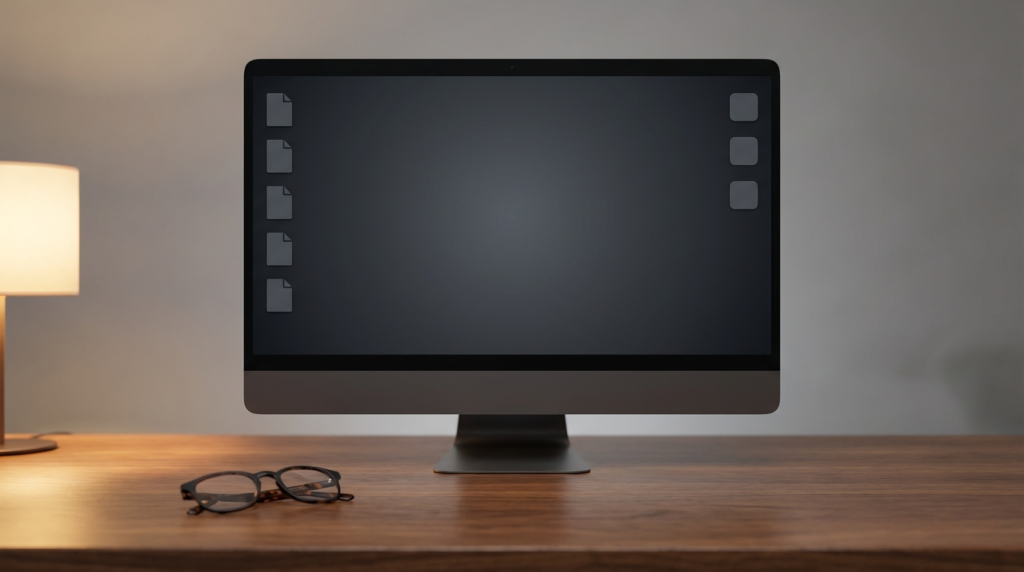
If going fully blank feels too extreme, try this structure instead:
- Left side: Current work files (maximum five). These are files you are touching today.
- Right side: Essential shortcuts (maximum three). Apps you open multiple times per day.
- Nothing else. Everything else lives in your file system.
Set a daily or weekly habit to clear the left side. Friday afternoon works well — it takes less than a minute and gives you a clean start on Monday.
Does Wallpaper Choice Matter?
This might sound like a trivial detail, but research suggests your wallpaper choice has a measurable effect. Busy, high-contrast wallpapers (cityscapes, complex patterns, bright colors) add to visual processing load. Simple, low-contrast images (nature, gradients, minimal geometry) reduce it.
I switched from a detailed city skyline to a plain dark gradient. It sounds ridiculous, but the reduction in visual noise was noticeable, especially when I had files on the desktop — they were easier to spot against a simple background.
The Bigger Point
Your desktop is the first thing you see when you open your computer and the last thing you see before you close it. It sets the tone for your work session and closes it out. If that first view is 80 icons of unfinished tasks, old downloads, and forgotten shortcuts, you are starting every single workday with a tiny dose of overwhelm.
A clean desktop is not about aesthetics or minimalism for its own sake. It is about reducing the number of micro-decisions your brain has to process before you can do the thing you actually sat down to do.
So take five minutes today. Move everything off your desktop into a temporary folder. See what it feels like to work with a clean visual slate. You might hate it. You might keep it forever. But you will not know until you try.