
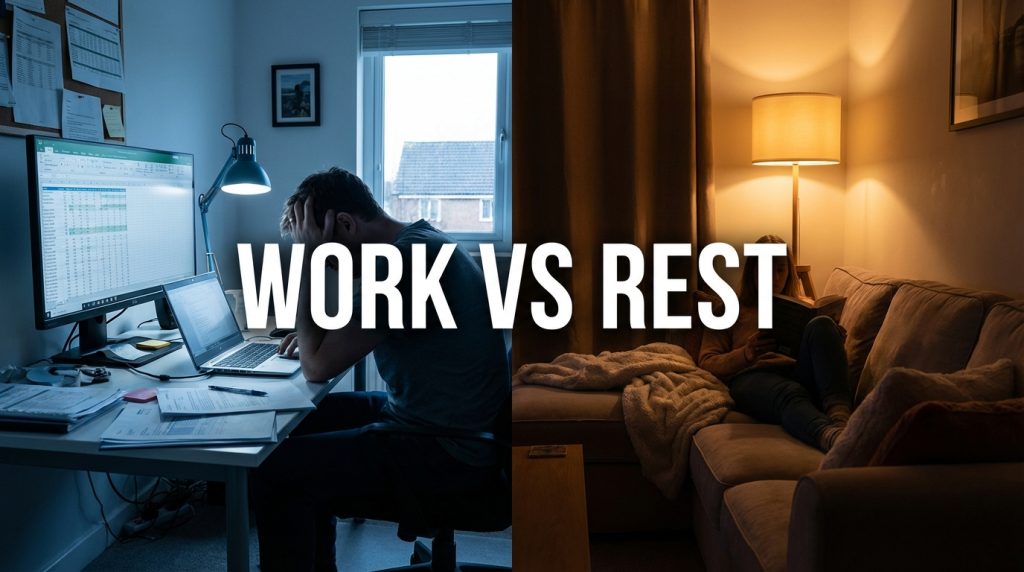

At 9:47 PM on a Wednesday, I was sitting on my couch replying to a Slack message. My laptop was on the coffee table. My partner was watching a show next to me. I was technically “off work” but also clearly, undeniably still working.
That was the moment I realized I did not have an end-of-day boundary. Not really. I had a vague intention to stop working around 6, but the laptop was always within arm’s reach, the notifications were always on, and the line between “working” and “resting” had dissolved into a grey mush where I was doing neither well.
Remote work removes the commute, which is great for time savings but terrible for boundary-setting. The commute used to be a physical and psychological transition — you left your workplace, you traveled, and you arrived home in a different mental state. Without it, work just bleeds into the evening like water soaking through a paper towel.
Why “I Will Just Stop at 6” Never Works
Willpower-based boundaries fail for remote workers because the physical environment does not support them. Your desk is six feet from your couch. Your laptop is always open. Your phone has Slack notifications enabled. Every surface of your home is a potential workspace, and every notification is a potential pull back into work mode.

Saying “I will stop at 6” is like saying “I will stop eating chips” while the bag is open on your lap. The intention is sincere. The environment guarantees failure.
| Why Willpower-Based Boundaries Fail | What to Do Instead |
| No physical separation between work and rest spaces | Create a ritual that signals the end of work, regardless of location |
| Notifications continue after ‘stop’ time | Use scheduled Do Not Disturb modes that activate automatically |
| Laptop remains open and accessible | Physically close and put away the laptop at your stop time |
| No commute to create a mental transition | Build a 10-minute transition activity that serves the same function |
The Shutdown Ritual: Building a Fake Commute
Since I do not have a commute to mark the boundary between work and personal time, I built a ritual that serves the same purpose. I call it the shutdown ritual, and it takes about ten minutes. It is the same every day, which is the point — repetition builds automaticity.
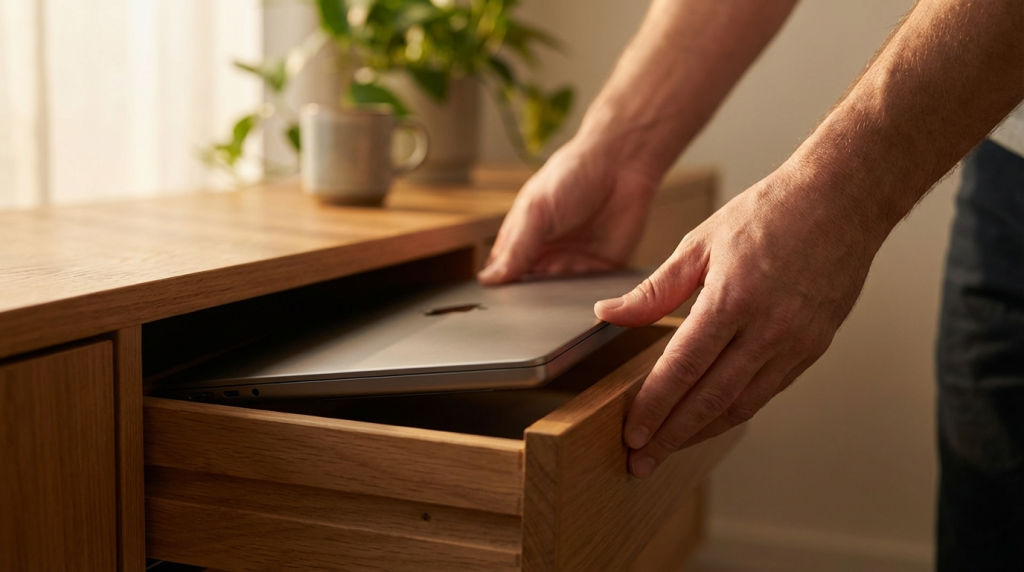
Here is exactly what I do at 5:45 PM:
- Review my task list and write down the first task I will start with tomorrow morning. This clears my brain of unfinished-task anxiety.
- Close all work browser tabs. Not minimize — close.
- Close my work apps: email, Slack, project management tool. Again, close, not minimize.
- Shut the laptop lid. Not sleep mode — lid closed.
- Put the laptop in a specific drawer or cabinet. Not on the desk. Not on the coffee table. Physically out of sight.
- Take a 10-minute walk. Even just around the block. This is my fake commute. When I walk back in the door, I am “home.”
The walk is the most important part. It creates a physical state change — different air, different scenery, different body position. When I skip the walk, the boundary feels weaker. When I take it, the transition feels real.
The Tech Side: Automated Boundaries
Beyond the ritual, I set up automated boundaries that enforce the stop time even on days when my discipline is low.
Scheduled Do Not Disturb
On my phone, Do Not Disturb activates at 6 PM and deactivates at 8 AM automatically. No work notifications between those hours. If something is truly urgent, people can call (calls break through DND by default on most phones). In eleven months of using this, nobody has called with a work emergency after 6 PM. Not once.
Work Profile Scheduling (Android)
Android phones support a “Work Profile” that can be toggled on and off. When the work profile is off, all work apps — email, Slack, calendar — are disabled. They are literally grayed out and inaccessible. I set mine to auto-disable at 6 PM. This is more powerful than DND because even if I am tempted to check something, I cannot.
Focus Modes (iOS/Mac)
Apple devices have Focus modes that can restrict which apps send notifications and when. I created a “Personal” focus that silences all work-related apps and activates on a schedule. It takes five minutes to set up and runs automatically.
What About the Fear of Appearing Unresponsive?
This is the objection everyone raises: “What if my manager thinks I am not dedicated?” or “What if something urgent happens and I miss it?”
Two things helped me get past this:
Setting expectations explicitly
I told my team: “I am available from 9 AM to 6 PM. After 6, I do not check messages. If something is genuinely urgent, call me.” Nobody objected. Most people respected it immediately. The ones who took a few days to adjust did so once they realized I always responded promptly during working hours.
Tracking the actual urgency
I kept a log of every message I received after 6 PM for one month. Of the 47 after-hours messages, zero were genuine emergencies. Thirty-one were messages that did not need a response until the next morning. Sixteen were FYI messages that required no response at all. The urgency I was afraid of missing simply did not exist.
Creating Physical Separation in Small Spaces
If you work from a small apartment or shared space, you might not have a dedicated office with a door you can close. I do not either. My workspace is a corner of my living room.
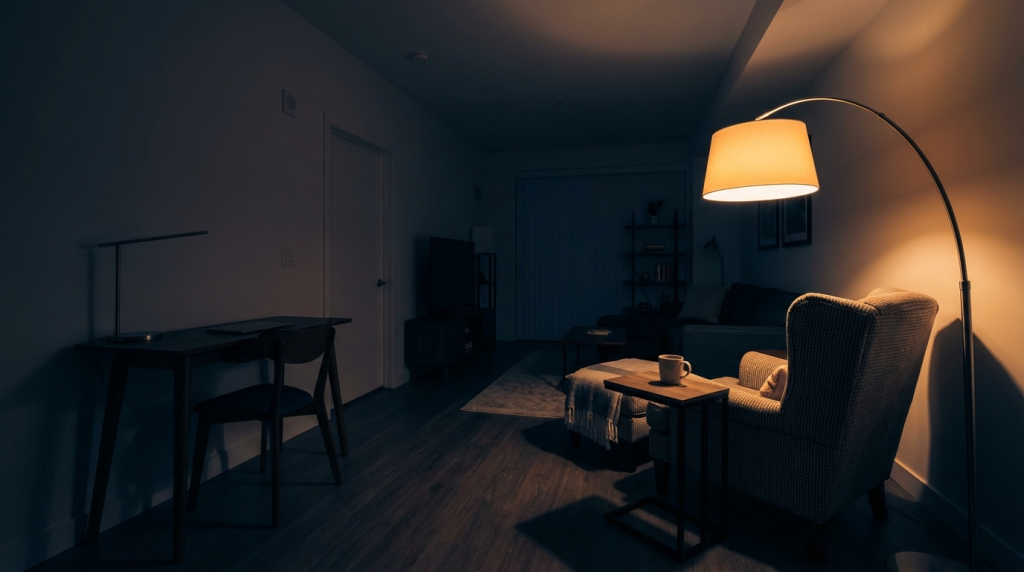
Physical separation does not require a separate room. It requires a separate state:
- A drawer or cabinet where the laptop goes at stop time — not visible from the couch.
- A lamp switch or light change that marks the shift (work lights on during work, ambient lights after).
- A different chair or seating arrangement for personal time versus work time.
These are small changes, but they create visual and spatial cues that signal “work mode is over.” Your brain picks up on these cues faster than you expect.
What Changed After Two Months
I will not claim that setting a hard stop time transformed my entire life. It did not. But two specific things changed:
First, my evenings became actual rest. Before the boundary, I was in a constant half-working state — not productive enough to accomplish anything meaningful, but not relaxed enough to truly recharge. After the boundary, work was work and rest was rest. I slept better. I was less irritable. My weekends felt longer because I was not entering them already depleted.
Second, my work quality during the day improved. Knowing that 6 PM is a hard stop created urgency during working hours. I stopped letting tasks drift because I knew I could not make up the time later. The constraint made me sharper, not less productive.
A hard stop time is not about working less. It is about protecting the hours when you are not supposed to be working at all.