
Open the default notes app on your phone. Scroll all the way down. How many notes are in there?
When I did this exercise last year, I found 347 notes. Three hundred and forty-seven. Some were grocery lists from 2021. Some were phone numbers with no contact name attached. One was a single word: “umbrella.” I have absolutely no idea what I intended to do with that information.
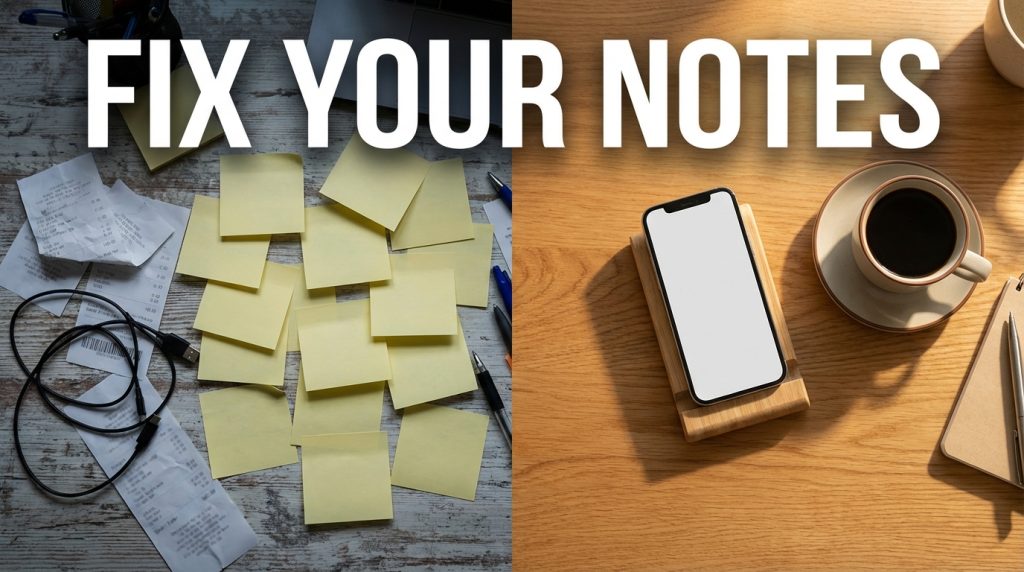
Your phone notes app was designed to be a quick capture tool — a place to jot something down in the moment. But for most people, it has become a junk drawer of unprocessed thoughts, random text snippets, and half-formed ideas that never went anywhere. And unlike a messy Downloads folder, which is at least tucked away on a computer, your notes app is something you interact with regularly, which means the mess creates friction every single time you try to find something useful.
The Real Problem: Everything in One Stream
The default notes app on both iOS and Android presents your notes as a single chronological list. New notes at the top, old notes at the bottom. No categories, no hierarchy, no separation between a grocery list and a meeting note and a Wi-Fi password.
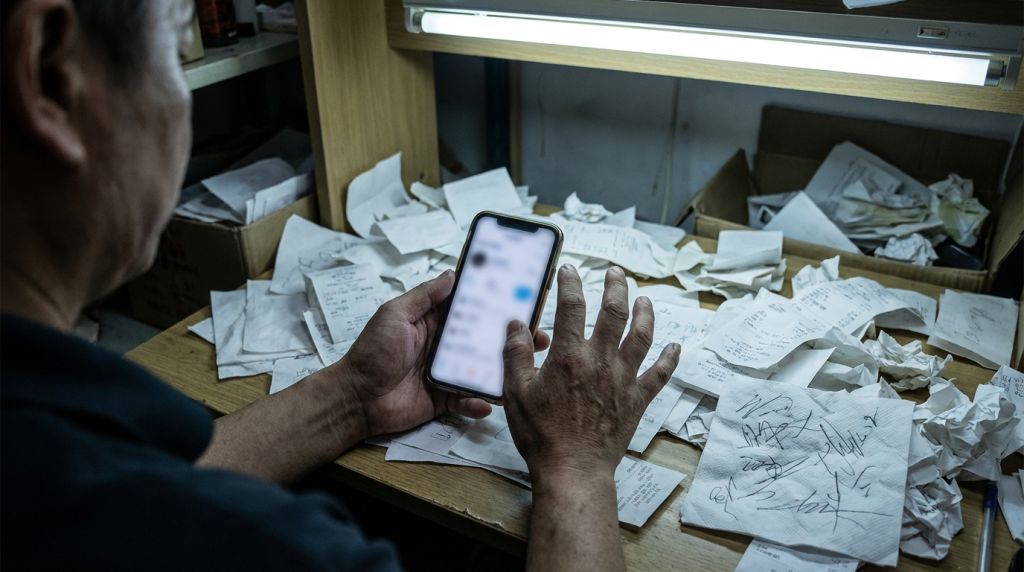
This design works fine if you have ten notes. It falls apart completely when you have 50 or more, because now every note is buried under a pile of newer notes, and finding anything requires either remembering the exact title (if you even gave it one) or scrolling through a wall of entries.
| Type of Note | How It Gets There | How Often You Actually Need It |
| Grocery/shopping lists | Quick capture before a store run | Once — then never again |
| Phone numbers and addresses | Someone texts you info; you paste it into a note | Maybe once or twice, if ever |
| Meeting notes | Quick jotting during a call | Within the next few days — then it becomes irrelevant |
| Passwords and codes | You save a temporary access code or Wi-Fi password | A few times, then the code changes or you memorize it |
| Ideas and reminders | “I should look into this” type thoughts | Rarely — most ideas captured this way are never acted on |
| Drafts and text snippets | Composing a message or email before sending | Once — then the draft is sent and the note is forgotten |
Notice a pattern? Most notes serve a temporary purpose. Once the grocery trip is done, that list is dead. Once the meeting is over, those notes are useful for a day or two and then lose relevance. Once the password is entered, you do not need the note anymore.
But we do not delete them. We just create new ones on top. And the pile grows.
What This Clutter Actually Costs You

Search Friction
When you have 300 notes and you need the one with your dentist appointment details, you are going to spend 30 to 60 seconds scrolling or searching. That might sound small, but multiply it by every time you try to find something in your notes, and you are losing real minutes every week to poor organization.
Decision Fatigue
A cluttered notes app creates a subtle psychological weight. Every time you open it, you see a wall of old, irrelevant notes that remind you of tasks you did not complete, ideas you did not pursue, and information you did not process. This creates a low-level anxiety similar to what an overflowing inbox produces.
Capture Hesitation
Ironically, a messy notes app makes you less likely to capture new information. If you know that opening notes means confronting a disorganized list, you subconsciously avoid using the app at all. I found myself texting myself or taking screenshots instead of using notes, simply because the notes app felt too cluttered to navigate.
The Fix: Separate Your Notes by Lifespan
The core insight that fixed my notes app was this: not all notes are created equal. Some are meant to live for five minutes. Others are meant to live for five years. Treating them identically — dumping them all in one list — is the root of the problem.
Temporary Notes (Lifespan: Hours to Days)
Grocery lists, one-time codes, quick phone numbers, parking spot reminders. These should be captured, used, and deleted the same day or within a few days. I use the default notes app for these. Every evening, as part of a two-minute cleanup, I delete every temporary note that has served its purpose.
Working Notes (Lifespan: Days to Weeks)
Meeting notes, draft messages, to-do lists for a specific project. These have a slightly longer life but still expire. I keep these in a dedicated folder within the notes app called “Active.” Once the project is done or the meeting notes have been transferred to a proper document, they get deleted.
Reference Notes (Lifespan: Months to Permanent)
Important addresses, packing lists you reuse, personal checklists, medical information. These have lasting value and deserve a permanent home. I move these out of the notes app entirely and into a proper note-taking tool or a document in my cloud storage. The phone notes app is not designed for long-term reference — it lacks the search, organization, and backup capabilities of a dedicated system.
The 15-Minute Notes Cleanup

If you want to clear your notes app right now, here is the exact process:
- Open notes. Sort by oldest first if possible.
- Start from the bottom (oldest notes). For each note, ask: do I need this right now? Not “might I need this someday” — right now.
- If yes: move it to the correct category (Temporary, Working, or Reference). If it is Reference, move it out of the notes app into a proper document.
- If no: delete it. Be aggressive. You can always re-Google information.
- Set a reminder to repeat a quick cleanup every Sunday evening. Once the backlog is cleared, this takes less than five minutes.
Changing the Capture Habit
The deeper fix is changing how you use the notes app going forward. Before creating a new note, spend two seconds asking: “Is this temporary, working, or reference?”
If it is temporary, make the note with the full intention of deleting it within 24 hours. If it is working, put it in the Active folder and set a mental deadline for when it will be deleted. If it is reference, consider whether the phone notes app is even the right place for it — a dedicated notes tool or a cloud document might serve you better.
The goal is not to stop taking notes. Notes are useful. The goal is to stop treating your notes app as permanent storage for things that were only ever meant to be temporary.