

Open your phone right now and scroll to the screenshots section of your photo library. Go ahead. I will wait.
If you are like most people, you just found a strange museum of your own past decisions: a confirmation number from a hotel in 2022, a recipe you screenshotted from Instagram and never made, directions to a restaurant that closed last year, a funny text exchange that stopped being funny six months ago, and at least fifteen screenshots of Wi-Fi passwords you have long since memorized.
This is not a minor inconvenience. It is a surprisingly common behavior pattern that researchers have started calling digital hoarding — and it is eating your phone storage, slowing your device, and creating low-level stress you probably do not even notice anymore.
How Screenshots Pile Up Without You Noticing
Screenshots are the lowest-effort form of information capture. Two buttons pressed simultaneously, and you have “saved” something. No typing, no naming, no filing. It takes less than a second, which is exactly why it becomes compulsive.
The problem is that capturing information and using information are completely different activities. A screenshot feels productive in the moment — you are “saving” something important. But saving a screenshot does not mean you have processed, understood, or organized the information. It just means you have moved it from one screen to another screen where it will sit, unseen, for months or years.
I ran an experiment on my own phone last year. I counted every screenshot I had taken in the previous twelve months: 847. Then I checked how many I had actually opened a second time. Forty-one. That is a 4.8% reuse rate. The other 806 screenshots were digital dead weight.
The Psychology Behind the Hoarding Instinct
There is a reason you keep these screenshots even when you know, intellectually, that you will never open them again. Psychologists point to two main drivers:
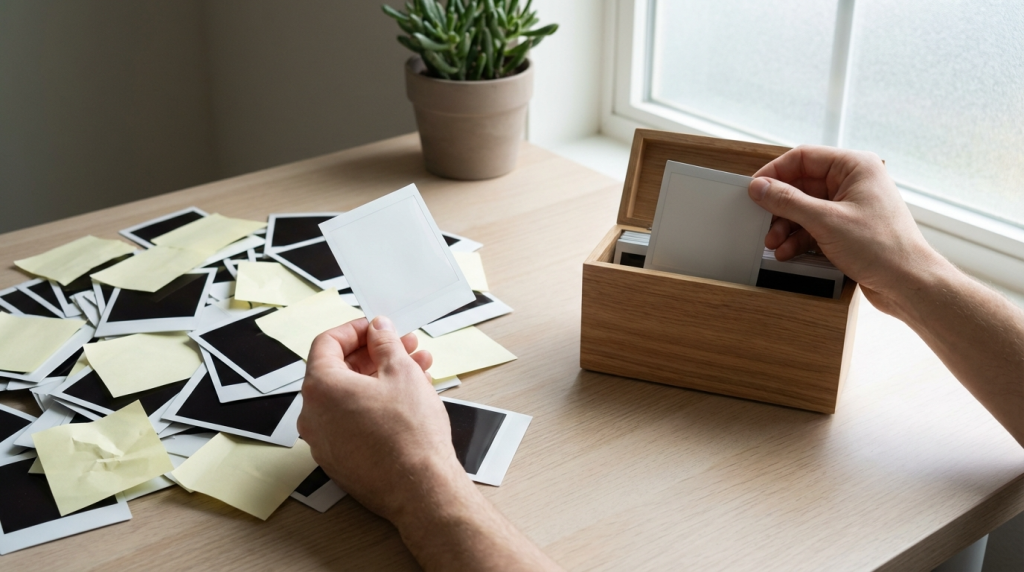
Loss Aversion
Deleting a screenshot feels like throwing away information, which triggers a small spike of anxiety. “What if I need that Wi-Fi password? What if I need that receipt?” The discomfort of deleting feels immediate, while the benefit of a cleaner phone feels abstract and distant. So you keep everything.
The Zeigarnik Effect
Your brain holds tension around incomplete tasks. That recipe screenshot represents a meal you intended to cook. That article screenshot represents knowledge you meant to absorb. Deleting them feels like admitting you are never going to follow through, which is an uncomfortable acknowledgment. So instead of confronting that, you leave them there as tiny monuments to goals you are no longer pursuing.
What 4,000 Screenshots Actually Cost You
Beyond the psychological weight, there are practical costs:
| Problem | Real Impact |
| Storage consumption | An average screenshot is 300KB-1MB. 4,000 screenshots = 1.2 to 4 GB of storage occupied by files you never open. |
| Slower photo search | More files in your library means slower search results and longer load times when scrolling. |
| Backup bloat | Every cloud backup includes these useless screenshots, eating into your iCloud or Google storage quota. |
| Decision fatigue | Scrolling past hundreds of screenshots to find an actual photo you want adds micro-friction every time you open your gallery. |
The Sorting Framework I Actually Use
After my 4.8% reuse discovery, I built a simple system that takes about ten minutes once a month. It is not glamorous, but it has kept my screenshot count under 100 at any given time for the past eight months.
Step 1: The Three-Pile Sort
Once a month, I open my screenshots folder and sort everything into three mental categories:
- Act on it: This screenshot requires me to do something (call a number, visit a link, enter a code). I do it right now or add it to my task list, then delete the screenshot.
- Save it properly: This is genuinely useful information (a warranty detail, an important address). I move it to a proper note or document. Then delete the screenshot.
- Delete it: Everything else. This is usually 80-90% of the pile.
Step 2: Stop Screenshotting When You Can Copy Instead
Half the screenshots people take are text — addresses, phone numbers, confirmation codes, quotes from articles. You do not need a screenshot for text. Just select the text, copy it, and paste it into a note. The note is searchable. The screenshot is not.
I made myself a rule: if the information I want to capture is text, I copy it. If it is a visual layout or a design I want to reference, I screenshot it. This one rule cut my screenshot volume by roughly 60%.
Step 3: Use the Favorites Feature Instead
Both iOS and Android let you “favorite” or “star” photos. If you take a screenshot you know you will need again soon (like a boarding pass or parking spot photo), favorite it instead of just letting it sink into the general pile. Then unfavorite it once you have used it. This creates a tiny, clean collection of actually-relevant screenshots that you can find in seconds.
The “Screenshot Audit” You Can Do in Ten Minutes
If you want to try this right now, here is the exact process:
- Open your gallery and navigate to screenshots.
- Start from the oldest screenshot visible on screen.
- For each one, ask: “Will I ever open this again?” Be honest.
- If yes, move the info to a proper note or document. Then delete the screenshot.
- If no (this will be most of them), delete it.
- Set a calendar reminder to repeat this on the first of every month.
The first time takes a while if you have thousands. After that, it is a ten-minute task because you are only clearing a month of accumulation.

Changing the Reflex, Not Just the Folder
The real fix is not in cleaning — it is in changing the reflex that creates the mess. Every time your thumb moves toward the screenshot buttons, pause for two seconds and ask: “Am I going to use this, or am I just afraid of losing it?”
If the answer is fear of losing it, remember this: you can almost certainly Google the same information again. The internet is not going anywhere. That recipe is still on Instagram. That product page is still on Amazon. That article is still indexed by Google. You do not need a personal archive of the entire internet on your phone.
A Note About Digital Hoarding and Stress
I want to be clear about something: I am not talking about clinical hoarding behavior, which is a recognized condition that requires professional support. I am talking about the ordinary, low-grade accumulation that happens to nearly everyone who owns a smartphone. It is not a disorder. It is a default.
But defaults have consequences. A cluttered photo library creates the same kind of background noise as a cluttered room — you stop noticing it, but it still drains a small amount of your attention every time you interact with it. Clearing it out will not change your life. But it will remove a source of friction you did not know was there.
Your phone should be a tool that helps you find things fast. Not a warehouse that makes you scroll past 4,000 thumbnails of things you saved “just in case.” Clear the screenshots. Keep the ones that matter. And stop treating your camera roll like a filing cabinet.