

You turned off the notifications. Good for you. Most people never get that far. But if you are still reading this, it probably means the same thing happened to you that happened to me: you muted everything, and you still felt distracted. Still drained. Still unable to focus for more than 40 minutes without checking something.
The reason is that notifications are only the loudest source of distraction. Killing them removes the obvious interruptions but leaves the subtler ones intact: the habit of checking email reflexively, the pull of an open browser tab, the compulsion to glance at your phone even when there is nothing to see.
What I needed was not fewer notifications. I needed an attention budget — a framework for deciding how much cognitive energy goes where, and when.
What an Attention Budget Actually Means
Your attention is finite. Every day, you start with a limited supply of focused cognitive energy. Every decision, every input, every interruption — even small ones — depletes it. By late afternoon, most people are running on fumes, which is why evenings often feel like intellectual sludge.

An attention budget treats focus the same way a financial budget treats money: you have a limited amount, and how you allocate it determines what you accomplish. If you spend 60% of your attention on email, chat, and tab-switching, you have only 40% left for your actual work.
| Attention Drain | Approximate Cost Per Occurrence | How Often It Happens (Typical Day) |
| Checking email | 3-5 minutes of focus recovery | 15-25 times per day (every 20-30 min) |
| Slack / Teams glance | 2-3 minutes of focus recovery | 20-40 times per day |
| Switching browser tabs | 1-2 minutes of focus recovery | Dozens of times per day |
| Phone notification glance | 1-3 minutes of focus recovery | 30-50 times per day |
| Context switch between tasks | 10-25 minutes of focus recovery | 5-10 times per day |
The “focus recovery” column is the hidden cost. Research on task interruption shows that after an interruption — even a brief one — it takes an average of about 23 minutes to return to the same level of focus on the original task. You do not feel the recovery time because you resume the task immediately. But the quality and depth of your attention has dropped.
How I Built My Attention Budget
I spent one week tracking where my attention actually went. Not where I planned it — where it actually went. I used a simple method: every 30 minutes, I wrote down what I was doing and whether it was planned or reactive. The results were ugly but informative.
Here is what an average day looked like before the budget:
| Time Block | What I Did | Planned or Reactive? |
| 9:00-9:30 | Checked email, responded to 3 messages, got pulled into Slack | Reactive |
| 9:30-10:00 | Started a report, then checked Slack again, then email | Mixed |
| 10:00-10:30 | Back on the report, interrupted by a phone notification | Planned but interrupted |
| 10:30-11:00 | Meeting | Planned |
| 11:00-11:30 | Post-meeting email catch-up, processed 12 messages | Reactive |
| 11:30-12:00 | Tried to focus on report, checked phone twice, opened a news tab | Mixed |
Of eight working hours, I was spending about three on reactive communication, two on mixed (planned work + interruptions), and only about three on genuine, focused work. The communication was not even productive — most of it was checking, not responding.
The Budget Framework
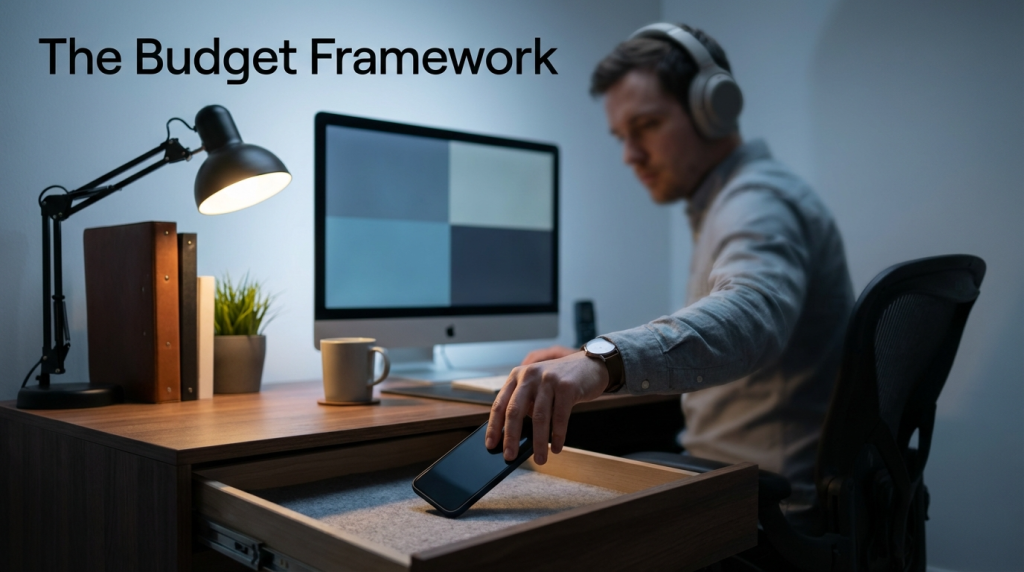
After that audit, I restructured my day into three intentional buckets:
Deep Work Blocks (3.5 Hours — Protected)
Two blocks per day: 9:00-11:00 AM and 2:00-3:30 PM. During these blocks, all communication is closed. Email is closed. Slack is closed. Phone is in a drawer. I work on one task — the most important task for that block — without interruption.
These blocks are non-negotiable. I protect them the way I protect meetings with my manager. If someone schedules a meeting during one of these blocks, I decline or propose an alternative time. The blocks come first.
Communication Windows (2 Hours — Batch Processing)
11:00-12:00 PM and 3:30-4:30 PM. During these windows, I process all accumulated email, Slack messages, and follow-ups. This is batch processing — I handle every pending message in one concentrated session instead of spreading it throughout the day.
Batch processing is faster because you stay in “communication mode” and avoid the context-switching penalty. It also means that people receive responses during predictable windows, which sets expectations.
Flexible Time (2.5 Hours — Everything Else)
Meetings, administrative tasks, phone calls, planning, and miscellaneous work fill the remaining time. This is the flexible buffer that absorbs the unpredictable parts of the workday without cannibaling the deep work blocks.
The Results After Three Months

I kept tracking my attention allocation. After implementing the budget:
| Metric | Before Budget | After Three Months |
| Hours of deep, focused work per day | ~3 hours | ~5 hours |
| Number of email checks per day | 15-25 | 3-4 (during windows only) |
| Time to respond to non-urgent messages | Varies — sometimes instant, sometimes 24 hours | Consistent — within 2-3 hours during communication windows |
| End-of-day mental fatigue (self-rated 1-10) | 7-8 | 4-5 |
The biggest surprise was not the productivity increase. It was the energy difference. By protecting my attention during deep work blocks, I arrived at 5 PM feeling substantially less drained. The same amount of total work, spread differently through the day, felt easier.
Handling the “But I Need to Be Responsive” Objection
Every time I describe this system, someone says: “That sounds nice, but my job requires me to be instantly available.”
Some jobs genuinely do. Emergency responders, live support agents, surgeons. But for most knowledge workers, the perceived need for instant availability far exceeds the actual need. A two-hour response time for a non-urgent email is perfectly acceptable in most professional contexts. The anxiety about delayed responses is almost always a feeling, not a fact.
Test it. Set an auto-responder that says: “I check email at 11 AM and 3:30 PM. If this is urgent, please call.” Run that for one week. Track how many actual emergencies arise. In my experience, the answer is zero.
Your Attention Is Not Infinite — Budget It Like Money
Turning off notifications is step one. Building an attention budget is step two. The first removes the obvious interruptions. The second restructures your entire day to protect and preserve the cognitive energy that makes your best work possible.
You do not need a complex system. You need three decisions: when are my deep work blocks, when are my communication windows, and what fills the remaining time. Make those three decisions, document them, and defend them.
Your attention is the most valuable resource you bring to work every day. Start treating it like one.