
You have downloaded templates before. Project trackers, daily planners, meeting agendas, goal-setting worksheets, habit trackers — the internet is full of beautifully designed templates that promise to organize your life. You download them, fill them out enthusiastically for a day or two, and then never open them again.
I know this because I have done it at least 30 times. I have a folder on my computer dedicated to downloaded templates I never used past the first week. Some of them are genuinely well-made. Some came from books and courses by people I respect. And all of them failed — not because they were bad templates, but because they were built wrong for how I actually work.
After years of this cycle, I started paying attention to what separates the templates that stick from the ones that die on day two. The patterns were consistent enough to build rules from.
Why Templates Fail: The Three Common Killers

They Ask for Too Much Information
The most common reason templates die is that they require too many fields. A daily planner template that asks for your goals, affirmations, gratitude items, time blocks, meal plan, water intake, exercise log, and reflection notes is trying to be a life management system crammed into a single page. Even if each field takes only 30 seconds, filling out 12 fields adds six minutes of overhead — every single day.
That six minutes feels tiny in theory. In practice, it is the difference between doing it and not doing it. Every extra field is a micro-friction point that erodes the habit.
They Are Designed for Display, Not Use
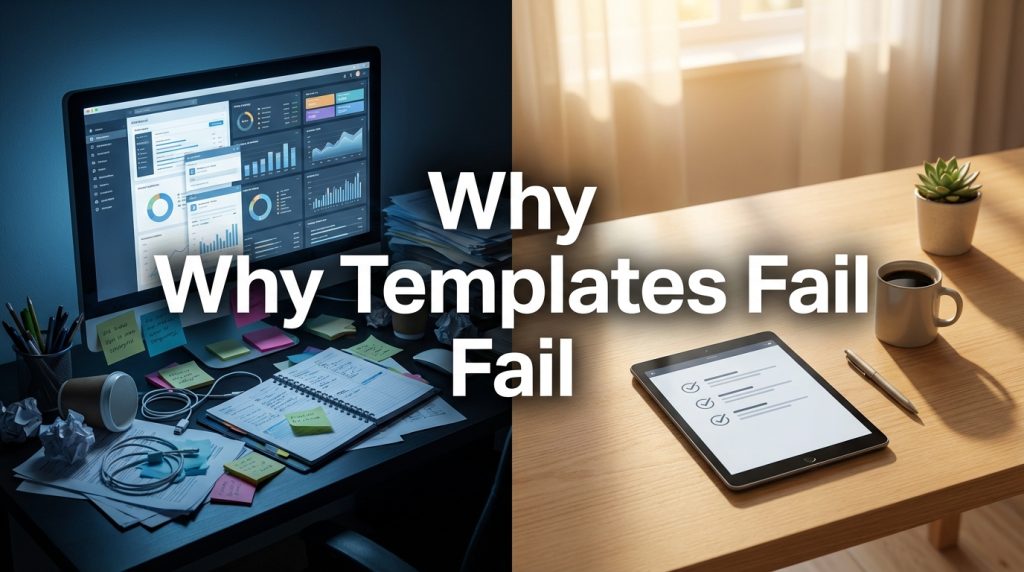
Many popular templates you find online are designed to look impressive, not to be practical. Beautiful Notion dashboards with custom icons, color-coded databases, and multi-linked views make great social media posts. They make less great daily tools because every visual element adds complexity, and complexity is the enemy of consistency.
They Do Not Match Your Actual Workflow
A template designed by someone else reflects their priorities, their language, their task structure. If you manage three direct reports and the template assumes ten, half the fields are irrelevant to you. If you work in 90-minute blocks and the template assumes hourly schedules, it fights your rhythm instead of supporting it.
| Template Killer | Example | Why It Causes Abandonment |
| Too many fields | Daily planner with 12+ input areas | Filling it out feels like a chore, not a tool |
| Designed for aesthetics | Notion template with complex databases and icons | Maintenance overhead exceeds actual productivity value |
| Wrong workflow fit | Meeting template assuming 1-hour meetings when yours are 30 minutes | Constant adaptation feels like fighting the tool |
| No clear purpose | “Life dashboard” covering health, finance, career, social | Too broad to be useful for any single task |
What Makes a Template Actually Useful

The templates I have used consistently for more than a few weeks share three traits:
They Solve One Problem
A meeting agenda template that captures decisions and action items — that is one problem solved well. A daily planner template that tries to track your tasks, habits, meals, and feelings — that is four problems mashed together, and none of them are solved well.
The rule: one template, one purpose. If you need to track different things, use separate templates for each. Combining them feels efficient on paper but adds enough friction to guarantee abandonment.
They Can Be Completed in Under Two Minutes
If a template takes longer than two minutes to fill out, it will not survive as a daily habit. It might work as a weekly tool (like a weekly review template), but daily templates must be fast. Three to five fields. That is the sweet spot.
They Were Built by You, for You
The most enduring templates I use are ones I built myself. Not because I am a better designer — I am not — but because they match my exact workflow, use my language, and include only the fields I actually need.
Building a template from scratch takes 10 to 15 minutes. That investment pays back every day you use it, because there is no friction of adaptation. It was designed for your reality from the start.
How to Build a Template That Lasts
- Start with the question: “What information do I need to capture or review regularly?” Write a short list.
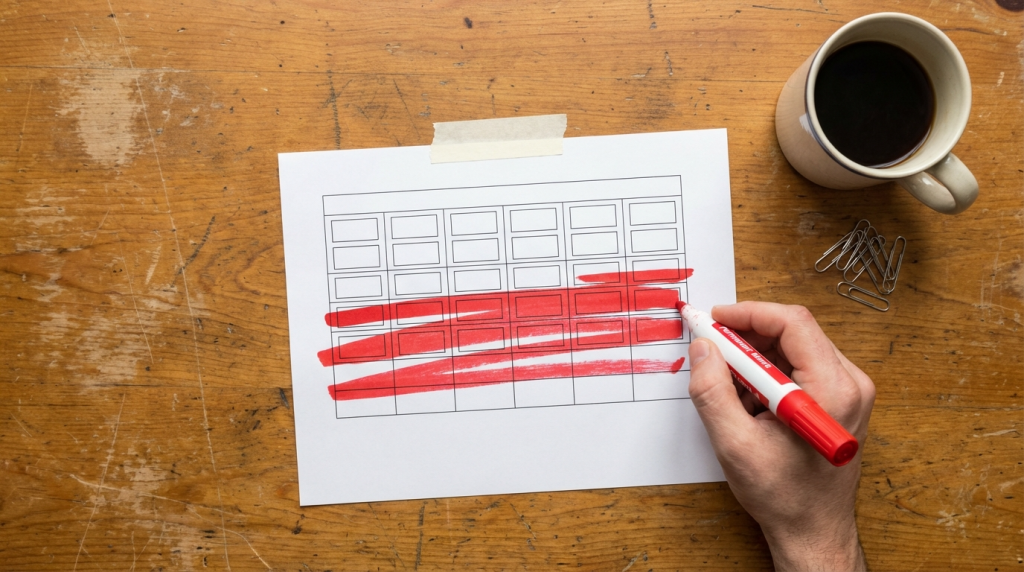
- Cut the list in half. Seriously — remove everything that is nice-to-have rather than necessary.
- Create the template with only the surviving fields. Use the simplest format possible — a text file, a basic spreadsheet, or a minimal doc.
- Use it for one week without modifying it.
- At the end of the week, ask: Which fields did I actually fill out? Which did I skip? Remove the skipped fields. They are dead weight.
- What remains after this process is your actual template — the one built from behavior rather than aspiration.
My Three Surviving Templates
Out of 30+ templates I have tried, only three survive today:
| Template | Fields | Frequency | Time to Complete |
| Daily task list | 3 focus tasks + “Other” section | Daily | 60 seconds |
| Meeting notes | Decisions / Actions / Open Questions (3 columns) | Per meeting | During the meeting itself |
| Weekly review | What went well / What did not / Top 3 next week | Weekly (Friday) | 10-15 minutes |
Three templates. All text-based. All completable in two minutes or less (except the weekly review). None of them are beautiful. All of them get used consistently because they fit how I actually work, not how I aspire to work.
The Template Is Not the System
Here is the uncomfortable truth: a template is just a form. It does not make you productive any more than a gym membership makes you fit. The habit of using it is what matters.
If you find yourself downloading templates frequently, the issue is probably not that you lack the right template. The issue is that you are looking for a tool to solve a behavior problem. No template can do that.
Build a simple one. Use it this week. Refine it next week. Stop downloading other people’s systems and start building your own. Your template will be ugly. It will also be the only one you are still using three months from now.